
Choosing
What size standing desk do you need? 120×60 vs 140×70 vs 160×80

Written by Giedrius Zdramys, Director, Gieto Group Ltd (Desko)
Updated 9 September 2026
Width gets all the attention, but depth is what decides whether the desk is comfortable. A 60 cm deep desk puts a 27-inch monitor closer to your face than it should be.
Here is how the three standard sizes actually work in a room, and how to measure before you commit.
Short answer
120×60 cm suits a laptop or a single monitor in a small room. 140×70 cm is the sensible default for one or two screens. 160×80 cm is for dual monitors with room to write. Depth matters more than most people expect: 70 cm or more puts a screen at a healthy viewing distance.
Measure the wall, then subtract
Measure the space where the desk will live, then take off about 10 cm at each side for clearance — you need room to get in and out, and to reach the sockets behind.
Then check the depth of the room, not just the wall. A standing desk needs you to stand at it, so leave at least 70–80 cm of clear floor in front for your feet and your chair when it is pushed back.
What fits on each size
Realistic setups, not showroom photographs.
Scroll the table →
| Size | Fits | Best for |
|---|---|---|
| 120 × 60 cm | Laptop, or one monitor up to 24" | Small rooms, bedrooms, part-time desks |
| 140 × 70 cm | One large monitor or two 24", plus notes | The default for full-time work |
| 160 × 80 cm | Two 27" monitors, or one ultrawide with room to write | Dual-screen work, drawing, paperwork |
Why depth matters more than width
The comfortable viewing distance for a 27-inch screen is about an arm's length — roughly 60–80 cm from your eyes. On a 60 cm deep desk, once the screen's stand takes up 20 cm, you are sitting far closer than that, and you will feel it as eye strain by mid-afternoon.
At 70 or 80 cm deep, the screen sits back far enough to be comfortable, and you still have space in front of the keyboard to rest your wrists or put a notebook.
A monitor arm buys back some of that depth by removing the stand and letting you push the screen right to the back edge. Our tops take standard clamps, and there are cable ports on both sides at the rear.
Bigger is not automatically better
A 160 cm desk in a small room dominates it, blocks a radiator or a window, and makes the space feel like an office rather than a room you also work in. It is also heavier to assemble and harder to move.
And every extra centimetre of unsupported top is a centimetre that can flex. If you plan to load a wide desk heavily, that is an argument for the higher-capacity frames.
The sizes we make
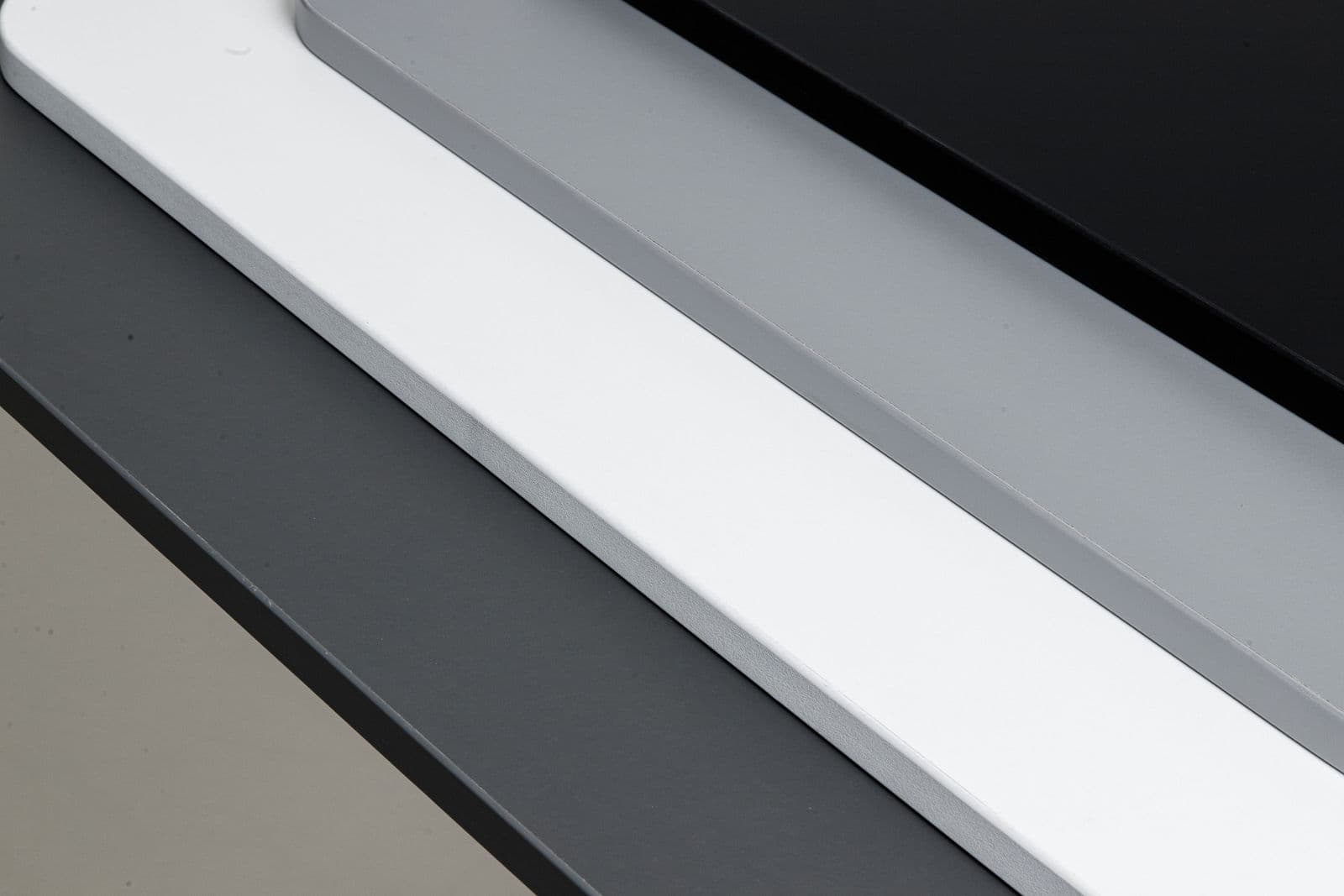
All three sizes come in the same FSC-certified laminate, in white, grey or black, with rounded corners and cable ports both sides. Going up from 120×60 to 140×70 or 160×80 costs £60 and £80 on the Desko V1, £50 and £70 on the Desko V2, £60 and £80 on the Desko V3 at full price.
Measure the room, not just the wall
Two numbers decide whether a desk fits, and only one of them is the wall length.
The first is clearance behind: you need 70–80 cm of clear floor for the chair pushed back and for you standing at the desk. The second is what the desk rises into. Check the height of any window sill, shelf, radiator cover or wall unit above the desk — a desk that stops at 95 cm because there is a shelf in the way is a fixed desk with extra steps.
Depth, monitors and the arm's-length rule
Comfortable viewing distance is roughly an arm's length — 60 to 80 cm from your eyes to the screen. That sounds generous until you account for the stand.
Scroll the table →
| Screen | Stand depth | Desk depth needed |
|---|---|---|
| 24 inch | ~18 cm | 60 cm workable, 70 cm better |
| 27 inch | ~22 cm | 70 cm minimum |
| 32 inch or ultrawide | ~25 cm | 80 cm, or 70 cm with an arm |
| Laptop + stand | ~15 cm | 60 cm workable |
A monitor arm removes the stand entirely and buys back 15–25 cm of usable depth — often cheaper than upgrading to a deeper desk.
Two screens, honestly
Two 24-inch monitors side by side occupy about 108 cm of width before bezels and cables. On a 120 cm desk that leaves six centimetres each side and nowhere to put a notebook.
At 140 cm the same pair sits comfortably with working space at the front. At 160 cm you can run two 27-inch screens and still write on paper. If you know you want two screens, start at 140 and treat 120 as a laptop desk.
Size and stability
Wider desks flex more, all else being equal, because there is more unsupported span between the legs. Our frames adjust so the feet sit as far apart as the top allows — always set them wide rather than centred, which is the single biggest thing you control.
If you are going to 160 cm and loading it heavily, the higher-capacity V3 frame is worth the step up for the extra rigidity as much as the extra weight rating.
Questions, answered.
Is 120 × 60 cm big enough for two monitors?+
For two 24-inch screens, only just, and you will have almost no space in front of the keyboard. 140 × 70 is a far more comfortable minimum for dual screens.
What depth do I need for a 27-inch monitor?+
70 cm or more, or 60 cm with a monitor arm that lets you push the screen back against the rear edge.
Can I change the top later and keep the frame?+
Yes. The V1 takes any top 100.5–160 cm wide and the V2 and V3 105–180 cm, so the frame outlives any single desktop.
Written by Giedrius Zdramys, Director, Gieto Group Ltd (Desko)
Updated 9 September 2026
Read next
Ready to choose?
Three frames, three sizes, three finishes.