
Choosing
How high should a standing desk be?

Written by Giedrius Zdramys, Director, Gieto Group Ltd (Desko)
Updated 9 September 2026
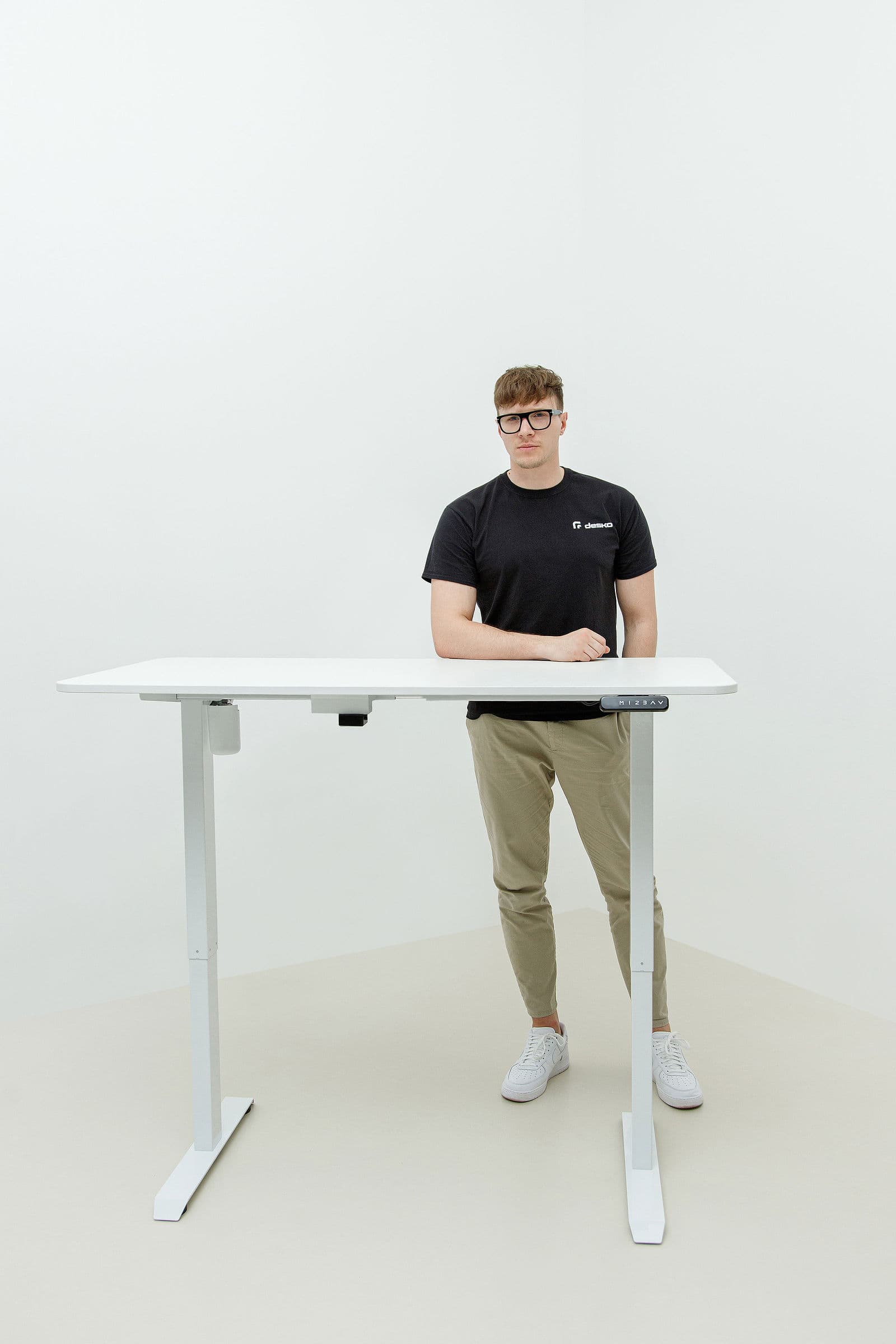
The quick answer: multiply your height by about 0.62 to get your standing desk height, and by about 0.42 for sitting. Someone 175 cm tall lands near 108 cm standing and 72 cm sitting.
That formula gets you close, but the number on the tape measure is not the point — your elbows are. Set the desk so your forearms are level with the desktop and your shoulders are relaxed, and you have the right height whatever the arithmetic said.
Short answer
For most adults, standing desk height is roughly 0.62 × your height. At 175 cm that is about 108 cm standing and 72 cm sitting. But the number is only a starting point: set the desk so your elbows rest at about 90° and your screen top sits at eye level, then save it as a preset.
Start with your elbows, not the tape measure
Stand at the desk in the shoes you actually work in. Drop your shoulders, let your upper arms hang straight down, and bend your elbows to a right angle. Your forearms should be parallel to the floor, hovering just above the desktop. That height — wherever it lands — is your standing height.
If your shoulders creep up towards your ears, the desk is too high. If you find yourself leaning down onto your wrists, it is too low. Both cause the same complaint after a fortnight: a sore neck and a nagging ache between the shoulder blades.
Then set the screen
Desk height and screen height are two different problems, and getting the desk right can still leave you craning. The top of your screen should sit at or just below eye level, about an arm's length away, so your gaze falls slightly downward.
On a laptop, those two rules fight each other: get the keyboard right and the screen is far too low. The fix is a separate keyboard and a stand or arm for the laptop. It is the cheapest ergonomic upgrade most people can make.
Typical heights by body height
Use this as a starting point, then adjust by feel. These are desktop heights measured from the floor to the top surface.
Scroll the table →
| Your height | Sitting | Standing |
|---|---|---|
| 155 cm (5'1") | ≈ 64 cm | ≈ 96 cm |
| 165 cm (5'5") | ≈ 68 cm | ≈ 102 cm |
| 175 cm (5'9") | ≈ 72 cm | ≈ 108 cm |
| 185 cm (6'1") | ≈ 77 cm | ≈ 115 cm |
| 195 cm (6'5") | ≈ 81 cm | ≈ 121 cm |
Add roughly 2–3 cm if you wear shoes with a heel, and check the desk's own range covers your number before you buy.
Check the range before you buy, not after
This is where height quietly decides which desk you can buy. Two-stage frames like the Desko V1 and V2 travel 700–1150 and 700–1200 mm, which suits most people comfortably. Three-stage frames go lower and higher: the V3 covers 600–1250 mm.
If you are shorter than about 160 cm or taller than about 190 cm, the extra travel stops being a nice-to-have. Below 160 cm you want a frame that drops properly low for sitting; above 190 cm you want the top of the range, and you should add the thickness of your desktop to the frame height when you check.
Save it as a preset and stop thinking about it
Once you have found both heights, store them on the keypad. Every Desko frame has a touchscreen keypad with four memory presets, so sitting and standing become one touch each.
This matters more than it sounds. The most common reason people stop using a standing desk is friction: if changing height is a chore, you stop bothering. One touch removes the excuse.
Two heights, not one
A standing desk has two correct heights, and most people only ever set the standing one properly. The sitting height matters just as much, and it is the one you spend more hours at.
Set the seated height first: sit back in your chair with your feet flat on the floor and your thighs roughly parallel to it. Now bring the desk to your elbows. If the desk cannot go low enough, raise the chair and use a footrest — a stack of books works while you decide.
Then stand and repeat. The gap between the two numbers is usually 30–40 cm, which is why the height range of the frame matters more than the headline maximum.
Common mistakes, and what they feel like
Height problems announce themselves in specific ways, and the symptom usually tells you the cause.
Scroll the table →
| What you feel | Usually means | Fix |
|---|---|---|
| Shoulders tight, neck aching | Desk too high when standing | Lower until forearms are level |
| Wrists bent up while typing | Desk too high, or keyboard too thick | Lower slightly, flatten the keyboard |
| Leaning forward, sore lower back | Screen too far or too low | Bring the screen closer, raise it |
| Sore feet after an hour | Hard floor, not desk height | Anti-fatigue mat, supportive shoes |
| Knees locked, hips aching | Standing too long in one pose | Shorter blocks, shift your weight |
If you are notably tall or short
Above about 190 cm you are looking for a frame that reaches roughly 125 cm at the top of the desktop. Remember to subtract your desktop thickness from the frame's quoted maximum — an 18 mm top on a 1250 mm frame gives you 126.8 cm, which is fine; a 25 mm top on a 1150 mm frame gives 117.5 cm, which is not.
Below about 160 cm the constraint is the bottom of the range. Many two-stage frames stop around 710 mm, which with a top is a 73 cm sitting height — too tall for comfortable seated work if you are 155 cm. A three-stage frame reaching 600–620 mm solves it without a footrest.
Standing desk height for a laptop
A laptop puts the keyboard and the screen on the same plane, so no single desk height is right for both. Set the desk for your hands, then raise the screen separately with a stand or an arm and add an external keyboard.
If you will not do that, favour the keyboard: working with your wrists bent for eight hours does more damage than looking slightly down at a screen. But the fix costs less than a decent pair of shoes and takes five minutes.
Questions, answered.
Is there one correct standing desk height?+
No. There is a correct height for you, and it depends on your elbow height rather than your overall height. Use 0.62 × your height as a starting point and adjust until your forearms are level with the desktop.
Should the desk be higher for typing or writing?+
Slightly higher for writing by hand, because you rest your forearm on the surface. Many people save one preset for typing and one a couple of centimetres higher for paperwork.
Does desktop thickness change the height?+
Yes. Frame height ranges are measured to the top of the frame, so add your desktop thickness — usually 18–25 mm — to know the real working height.
What if two people share the desk?+
Give each person their own preset. Four memory slots cover two people with a sitting and a standing height each.
Written by Giedrius Zdramys, Director, Gieto Group Ltd (Desko)
Updated 9 September 2026
Read next
Ready to choose?
Three frames, three sizes, three finishes.